We teach courses at undergraduate and graduate levels, and open courses.
Syllabus: Analysis and discussion of didactic resources and materials in Science and Mathematics teaching. History of didactic resources and materials in Science and Mathematics teaching. Foundations for the planning, development, use and evaluation of didactic resources for Science and Mathematics teaching.
...
Syllabus: Biological Buffer Systems. Proteins: Composition, Structure and Function. Enzymes: Kinetics, Regulation and Inhibition. Basic Experimental Methods in Protein Biochemistry, chromatography, electrophoresis, enzyme kinetics. Report Writing.
Syllabus: Carbohydrate metabolism. Lipid metabolism. Amino acid metabolism. Electron transport and oxidative phosphorylation. Metabolic integration. Strategies for the regulation of metabolism. Metabolic pathway databases. Comparative study of metabolic pathways.
Have you ever imagined creating your own iPhone app, even with little programming experience? In this course you will get to know Apple's Swift programming language, easy to learn for beginner programmers and powerful for more experienced ones! You will also get to know Xcode, Apple's development environment used to create iOS apps. All you need is an iMac or MacBook; all the development tools are free to download. You don't even need a device to test your app, since Xcode comes with an iPhone and iPad emulator! In addition, you will also learn some Design principles to visually improve your apps. This course consists of several step-by-step video lessons, so that you, whether you have little programming experience or are already an experienced programmer who does not know Swift or has never made an iOS app, can follow the lessons and progress at your own pace.
Online course taught on the Coursera platform; use the link below to access the course:
Want to make an app that navigates through multiple screens? One that presents data in tables? One that accepts different gestures on the screen? Or perhaps an app with various content on a single scrollable screen? If you answered "yes" to any of these questions, this is the ideal course for you! In this course you will create an app capable of navigating through multiple screens, and you will see how to show data to the user through tables and scrolling screens, as well as those elements common to many iPhone and iPad apps, such as buttons, controls, counters and others. This course consists of several step-by-step video lessons, so that you, whether you have little programming experience or are already an experienced programmer who does not know Swift or has never made an iOS app, can follow the lessons and progress at your own pace. Upon completing this course, you will be able to develop more than a simple iPhone app, creating an app on any topic you wish, whenever you wish!
Online course taught on the Coursera platform; use the link below to access the course:
Want to do more than a simple app? Add photos, videos and music to your apps? Or perhaps add a map or use Apple's newest watch (Apple Watch) together with your iPhone app? If you answered "yes" to any of these questions, or if you want to learn the steps to publish your own app, this course has the answers for you! In this course you will discover how to add several features to your iPhone or iPad app: adding photos, music and videos, using a map, allowing the app to post on Facebook or Twitter, and also how to build an iPhone app that connects to the Apple Watch! On top of that, you will see step by step how to publish and monetize your app once it is published on the App Store. This course consists of several step-by-step video lessons, so that you, whether you have little programming experience or are already an experienced programmer who does not know Swift or has never made an iOS app, can follow the lessons and progress at your own pace. Upon completing this course, you will be able to develop an iPhone app with advanced features, create apps for the Apple Watch, and you will also know how to publish it on the App Store!
Online course taught on the Coursera platform; use the link below to access the course:
Have you ever imagined creating your own game for iPhone and iPad? Or increasing the engagement of the users of one of your apps by turning it into a kind of game in which users can compete with each other to earn points and prizes? In this course you will learn the principles of game development, SpriteKit - Apple's 2D game creation framework - and GameCenter - Apple's social network for games. The Game Design tools covered in this course will also be useful for enhancing non-game apps with mechanics that increase user engagement (gamification). This course consists of several step-by-step video lessons, so that you, whether you have little game programming experience or are already an experienced programmer who has never made an iOS game, can follow the lessons and progress at your own pace. Upon completing this course, you will be able to develop a game for iPhone and iPad, and use GameCenter to increase competition among players, or to gamify and engage the users of an app that is not a game.
Online course taught on the Coursera platform; use the link below to access the course:
This course is the final project of the Integrated Course Program on iOS App Development. There are two options:
Those who choose project option 1 will not need to enroll in the Apple developer program. Those who prefer to develop and publish an app (option 2) will need to enroll in the Apple developer program, which requires an investment of 99 dollars.
In this Final Project you will:
Option 1 also includes:
Option 2 also includes:
Online course taught on the Coursera platform; use the link below to access the course:
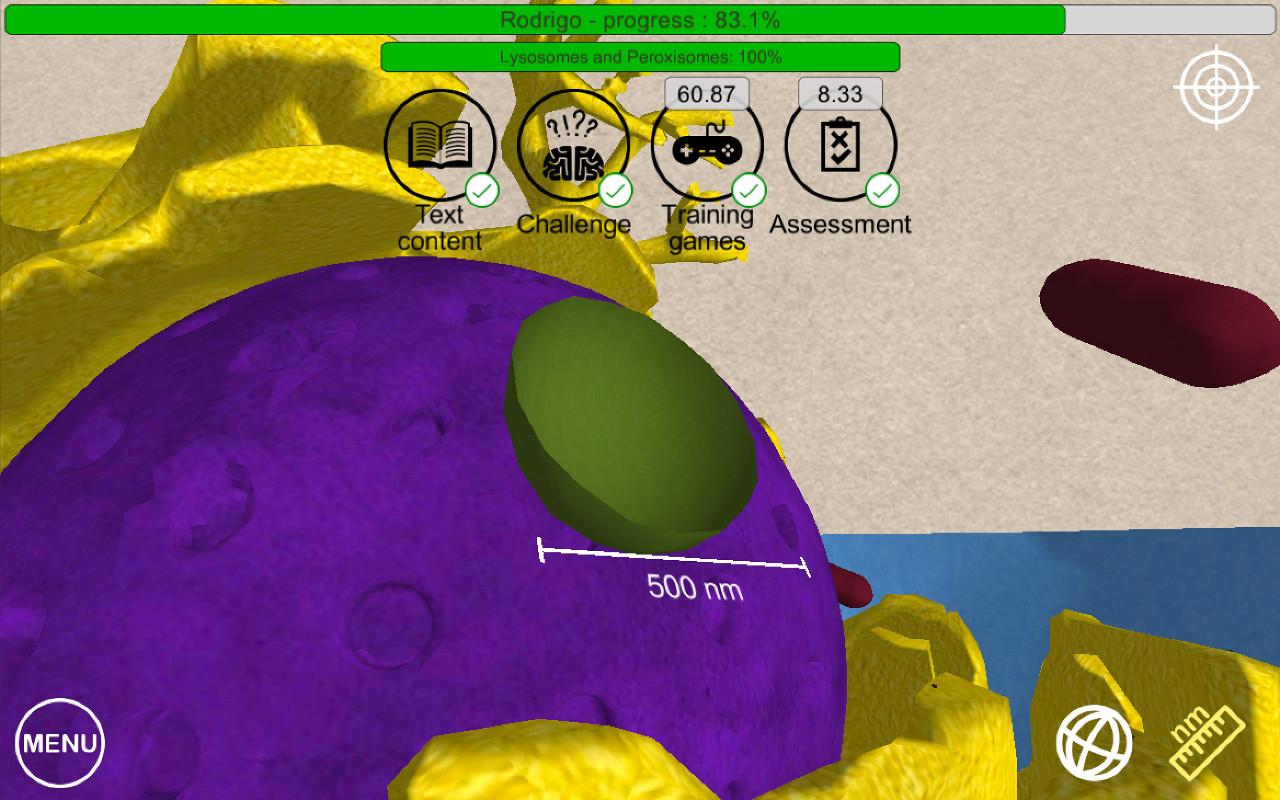
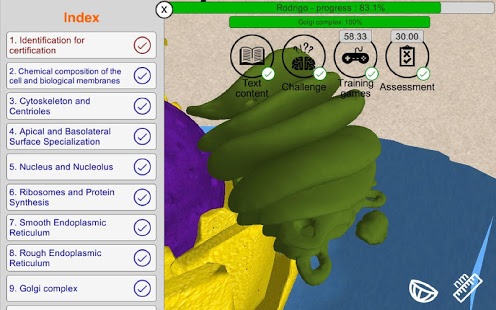
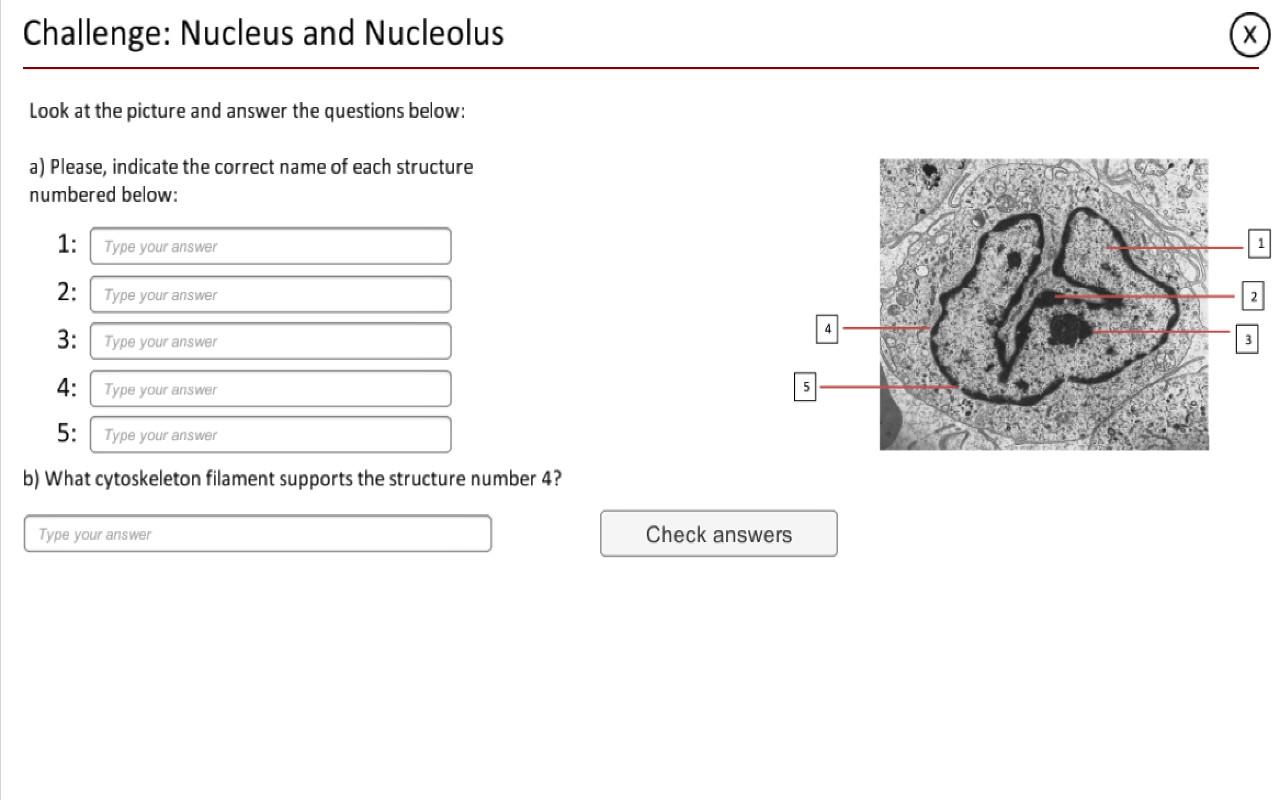
The Cell is an Open Course about Cell Biology taught from a 3D scale model of an animal cell.
To enjoy this course, an app have to be download from:
https://play.google.com/store/apps/details?id=lte.ib.unicamp.br.thecell
It is currently available only for Android devices, iOS version is comming soon!
 Department of Biochemistry and Tissue Biology
 University of Campinas